 Make
MakeType a name or upload a photo. The preview updates on your device.
✦ SIMPLE TOOLS, REAL CHARACTERS
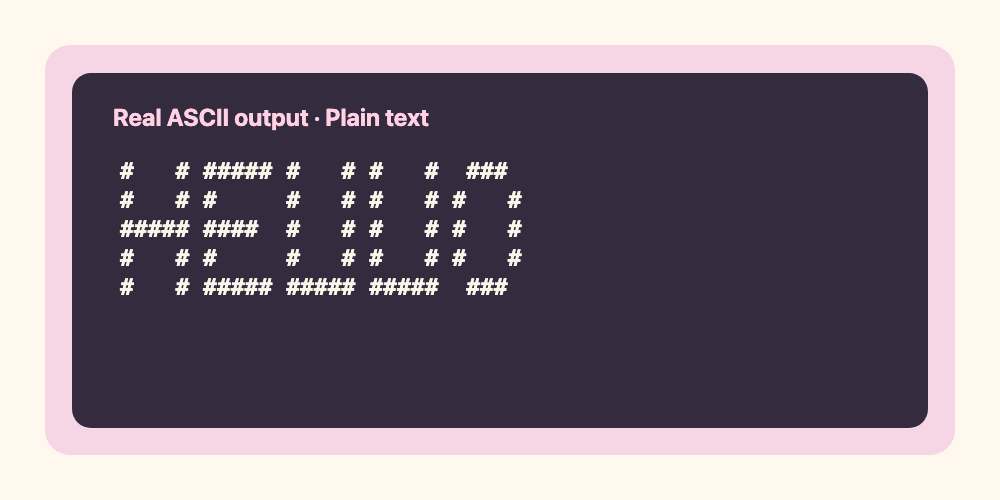
Make real ASCII art.
Type a word or choose a picture. Turn it into characters you can copy, paste, or save — without uploading your content.
✦ Copy plain text⌘ Markdown-ready↓ Download TXT
A–Z, 0–9 and basic punctuation. One or two short lines work best.
Images stay in your browser. Up to 10 MB; export is text, not a picture.
♡ Free · No account · Your image and text stay on your device.
Your character art
Plain textLoading…
For README files, use “Copy for Markdown” to keep the spacing. Some chat apps may change alignment if they don't use a monospace font.
How to use your ASCII art
Copy actual characters or download a .txt file. No image is hidden behind the text.
For GitHub README and other Markdown documents, copy the fenced code version to preserve alignment.
Want a designed image instead of characters? Try our personalized birthday card and image art studio.